

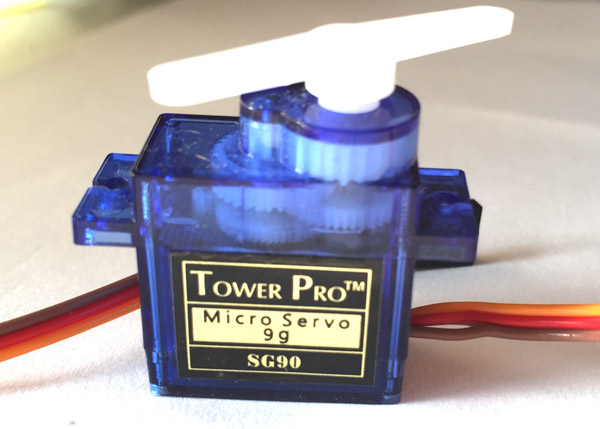
In pervious PWM guide (here), discussed how to use TIM2 of STM32F411 to generate 2 PWM signals to fade 2 LEDs. In this guide, we shall use PWM signal to control a servo motor (SG90).
In this guide, we shall cover the following
- What is servo motor and how to control it
- Connection
- Code
- Demo
1. What is servo motor and how to control it
A servomotor is a rotary actuator or linear actuator that allows for precise control of angular or linear position, velocity and acceleration.[1] It consists of a suitable motor coupled to a sensor for position feedback. It also requires a relatively sophisticated controller, often a dedicated module designed specifically for use with servomotors. (Wikipedia link).
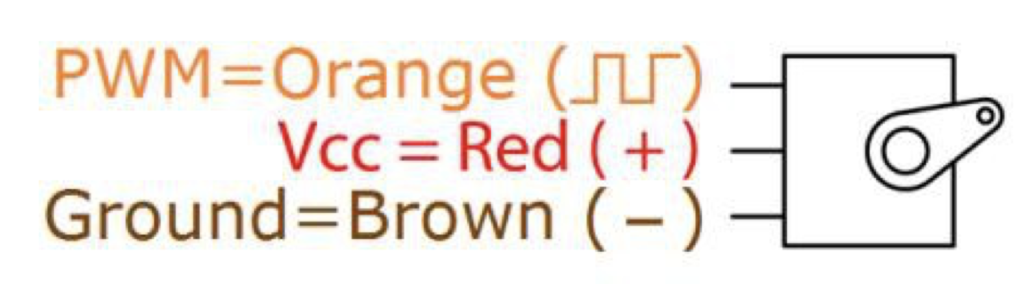
The servo motor used in our guide has three wires: red, brown and orange.
| Wire color | Function |
| Red | Vcc (4~6V) |
| Brown | GND |
| Orange | Signal |
In order to control the angle of the servo motor, a PWM signal of frequency 50Hz (20mS period) needed to be applied to the signal pin on the servo motor. to determine the angle of the servo as following:
| Angle | Duty Cycle (Period) |
| 0 | 5% (1mS) |
| 90 | 7.5% (1.5mS) |
| 180 | 10%(2mS) |
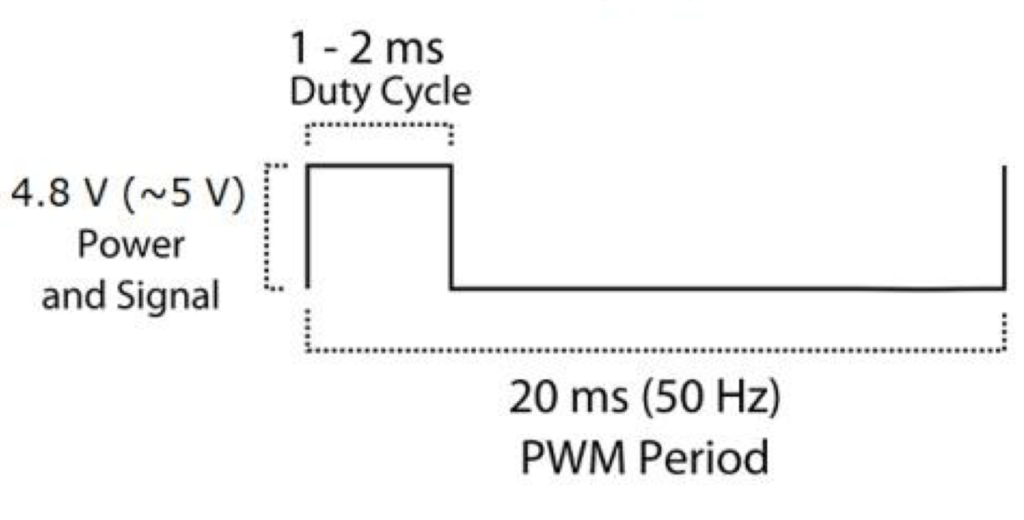
Hence we need to configure the TIM2 to generate 50Hz PWM signal on PA0 pin
Related course
Broaden your understanding of motors and PWM
Continue from servo pulse commands into the electrical and control concepts behind motor systems. The course’s practical path uses a brushed-DC motor and its specified STM32 driver board, so its hardware and command method differ from this SG90 example.
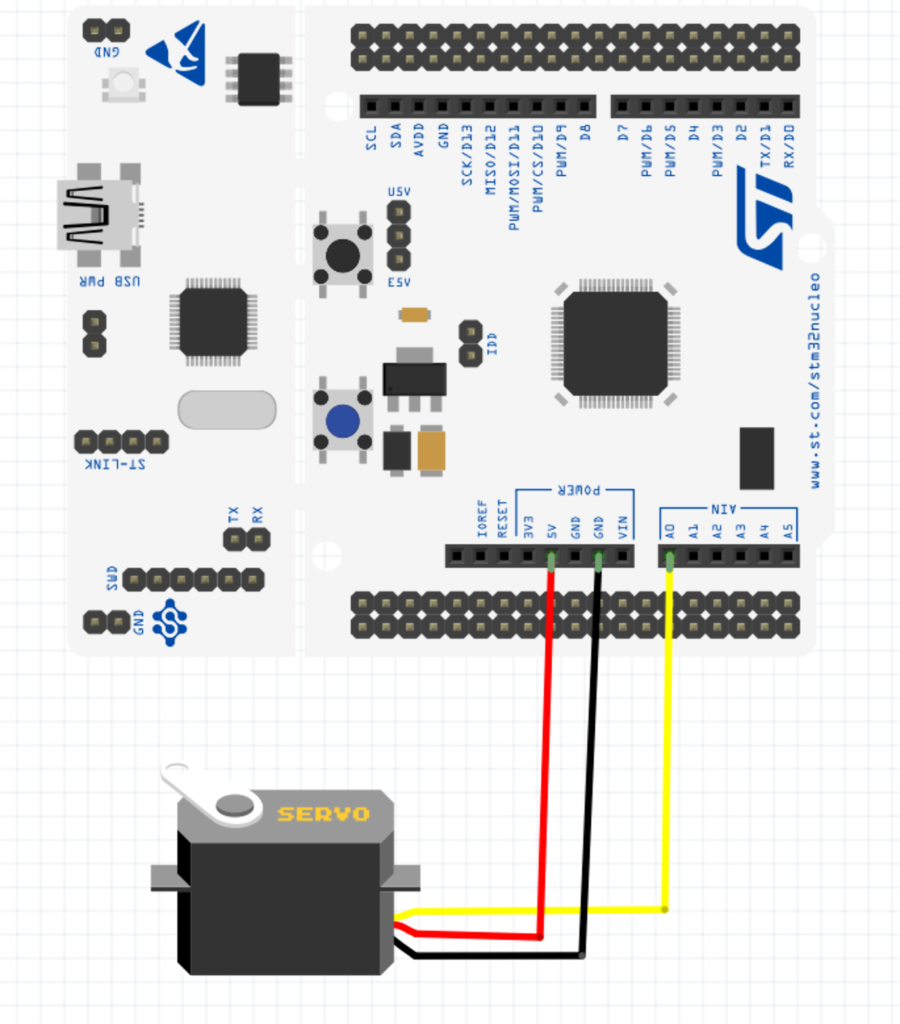
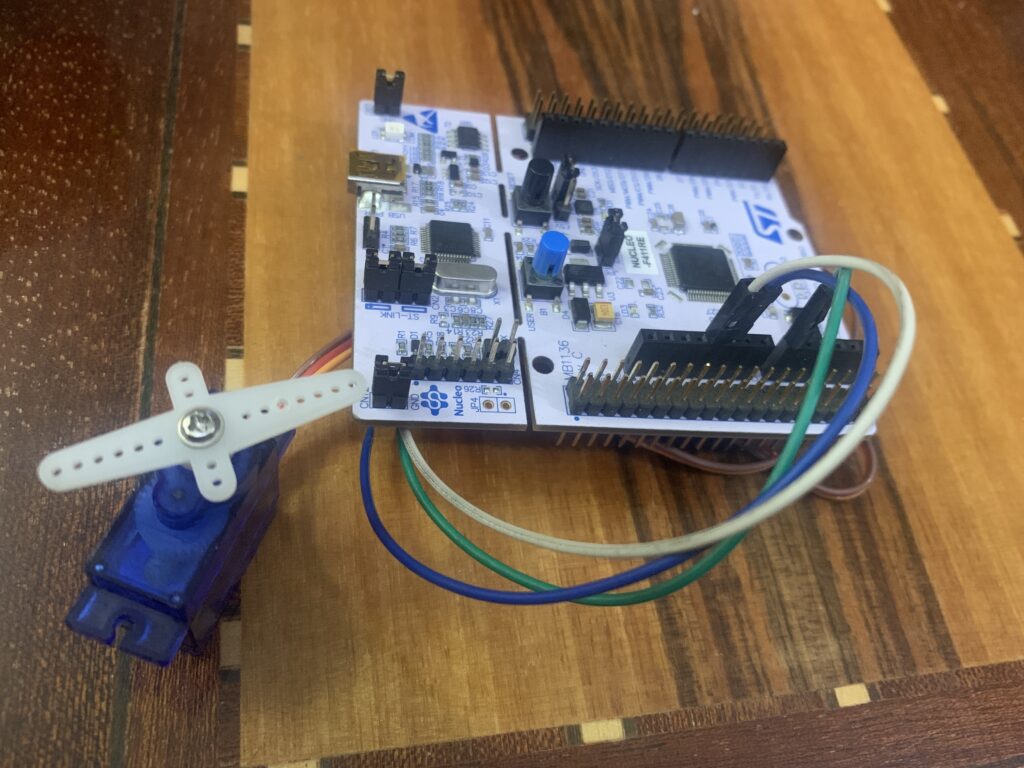
2. Connection:
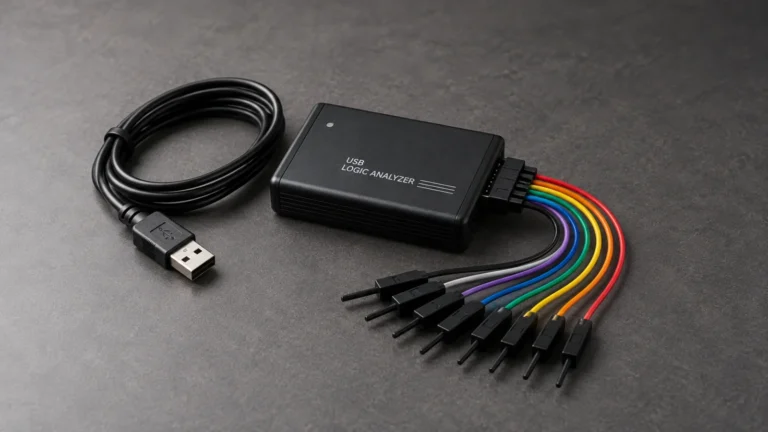
In this guide, we need the following
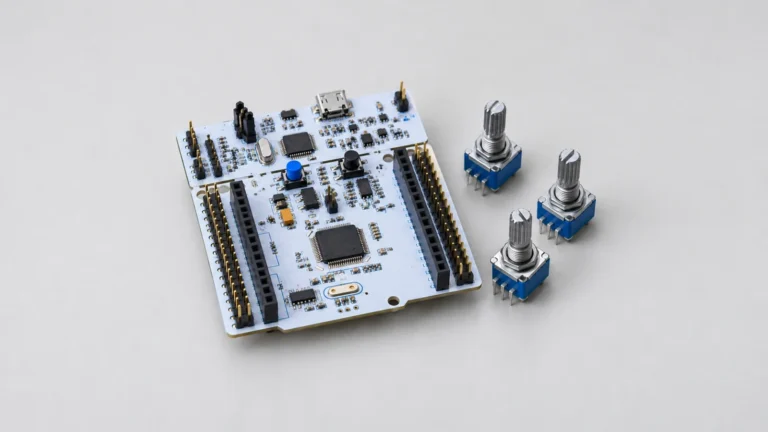
- STM32F411 Nucleo
- SG90 microservo
- Hock-up wires
3. Code:
#include "stm32f4xx.h"                  // Device header
void GPIO_Init(void);
void Timer2_init(void);
void delay(int ms );
void servo_write(uint8_t angle);

int pos;
int main(void)
{

GPIO_Init();
Timer2_init();
while(1)
{
for (pos = 0; pos <= 180; pos += 1) { // goes from 0 degrees to 180 degrees
    // in steps of 1 degree
    servo_write(pos);              // tell servo to go to position in variable 'pos'
    delay(15);                       // waits 15ms for the servo to reach the position
  }
  for (pos = 180; pos >= 0; pos -= 1) { // goes from 180 degrees to 0 degrees
    servo_write(pos);              // tell servo to go to position in variable 'pos'
    delay(15);                       // waits 15ms for the servo to reach the position
  }

}
}

void GPIO_Init(void)
{
RCC->AHB1ENR|=RCC_AHB1ENR_GPIOAEN;
GPIOA->AFR[0]|=(1<<0);
GPIOA->MODER|=(1<<1);

}
void  Timer2_init(void){
RCC->APB1ENR|=RCC_APB1ENR_TIM2EN; //enable clock access tto tim2
TIM2->PSC=4; //set prescaller to 4 (16000000Hz/4=4000000Hz)
TIM2->ARR=63999; //set the maximum count value
TIM2->CNT=0; //seset the current count
TIM2->CCMR1=(1<<5)|(1<<6); //configure the pins as PWM
TIM2->CCER|=0x1; //enbale channel1 and channel2
TIM2->CR1=1; //enable timer
}


void delay(int ms)

{

int i;

for(; ms>0 ;ms--)

{

for(i =0; i<3195;i++);

}

}

long map(long x, long in_min, long in_max, long out_min, long out_max)
{
  return (x - in_min) * (out_max - out_min) / (in_max - in_min) + out_min;
}


void servo_write(uint8_t angle)
	{

	if(angle<0){angle=0;}
	if(angle>180){angle=180;}


TIM2->CCR1=map (angle,0,180,2500,7000);


	}
Thanks for your nice and kind helping me and spends alot of time to prepare EmbeddedExpertIO site Mr Husamuldeen.
May ı ask a question for you.
How can we run the program to my card f429 or f407, f103. Can you explain me
Thanks
God bless you
Huseyin AKGUL
Elektronik-Software
Ankara TURKIYE
For STM32F4xx, it will be the same.
For F103, it will be similar with minor modification.
Check this for how to generate PWM signal using F103:
https://blog.embeddedexpert.io/?p=1400
Hi friend
I am using a STM32L053R8
I had to change the line:
RCC->AHB1ENR|=RCC_AHB1ENR_GPIOAEN;
but I have an error when running the program, when the motor starts to work it does so slowly and does not oscillate between 0 and 180
Do you have any idea why this happens?
Hi,
this is how to generate PWM on STM32L0:
https://blog.embeddedexpert.io/?p=1012